The Best Running Apps for iPhone in 2026
Ten iPhone running apps tested hands-on. Tracking, training plans, gamification, coaching, and social. One of these will match how you actually want to run.
How We Picked
We ran at least five sessions with each app on iPhone 15 Pro and Apple Watch Ultra 2. We rated each on GPS accuracy, UI feel, training depth, motivation factor, battery impact, and value. An app that lives on your phone forever has to earn that home-screen spot every time you open it.
The list below is ordered by how much we actually enjoyed using each app, not by downloads or popularity. Every app works on iPhone 11 or newer. Every app syncs to Apple Health. Before you install six of them, read the honest case for and against using a running app at all.
10 Best iPhone Running Apps
Motera
Strengths: Territory capture, Fog of War, leaderboards, streaks, city maps. Makes running feel like progress, not homework.
Weakness: iOS only. Newer app, smaller community than legacy apps.
Strava
Strengths: The largest social network for runners, segments, clubs, challenges, heatmaps. The yardstick for GPS tracking.
Weakness: Most features (segment leaderboards, route builder) locked behind subscription.
Nike Run Club
Strengths: Free 5K/10K/half/marathon plans with Coach Bennett audio. No subscription, no ads.
Weakness: Limited social features. Route map styling is dated.
Apple Fitness / Workout
Strengths: Deepest Apple Watch integration, Live Activities, rings, auto-pause. Fitness+ adds guided outdoor runs.
Weakness: Bare-bones post-run analytics. No social feed.
Runkeeper (ASICS)
Strengths: Clean UI, audio cues, customizable stats, 14+ years of history.
Weakness: Training plans and progress charts behind Go subscription.
Runna
Strengths: AI-built training plans that adjust after every run. Outstanding for 10K, half, and marathon prep.
Weakness: Expensive. No free tier.
MapMyRun
Strengths: Huge library of user-created routes. Good for exploring in new cities.
Weakness: Ads in free tier. UI has not aged well.
Couch to 5K (NHS)
Strengths: Simple, effective, 9-week run-walk plan. No ads, no fluff. Entirely free.
Weakness: Only useful for one specific journey.
Zombies, Run!
Strengths: Immersive zombie apocalypse audio drama during runs. 7 seasons, 500+ missions.
Weakness: Not for you if you do not like stories mid-run.
Strong Runner / Garmin Connect
Strengths: Full sync with Garmin watches, training load, VO2max trends.
Weakness: Only useful if you own a Garmin.
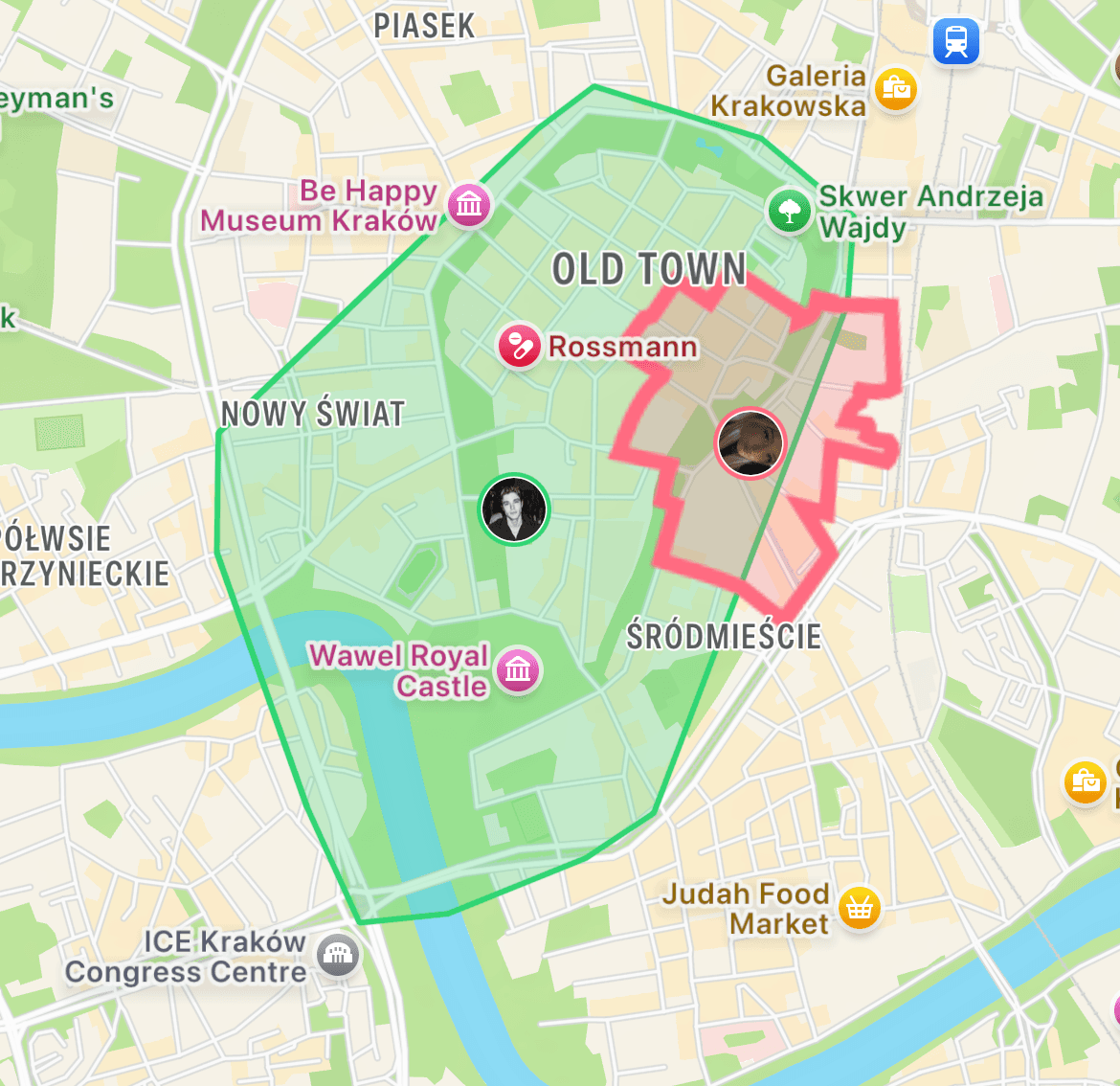
A new kind of running app for iPhone.
Motera turns your neighborhood into a map you capture run by run. Live Activities show your territory update in real-time. Widgets put your streak on your home screen. Apple Watch sync is instant. Free on the App Store.
Download MoteraWhich App Should You Pick?
Frequently Asked Questions
What is the best running app for iPhone in 2026?
For tracking and social: Strava. For guided training: Nike Run Club. For motivation and gamification: Motera. For Apple ecosystem integration: Apple Fitness. The best app depends on what actually gets you out the door.
Do I need a paid running app?
No. Nike Run Club, Apple Fitness, Motera, and the free tiers of Strava and Runkeeper cover 95 percent of what any runner needs. Paid tiers add training plans, segments, or power features.
Do iPhone running apps use a lot of battery?
GPS running apps use about 6-10 percent battery per hour. Background location and high-accuracy GPS add up. Turn off music streaming during runs to save more.
Is the iPhone GPS accurate enough for running?
Yes. iPhone 12 and newer have excellent single-frequency GPS. iPhone 14 Pro and newer have dual-frequency GPS (L1/L5) which matches most dedicated running watches for accuracy.
Can iPhone running apps work without a phone on the run?
With an Apple Watch that has cellular or GPS, yes. Most apps sync runs automatically when the watch reconnects to your phone. Apple Watch Series 3 and later all support standalone runs.
What is the best iPhone running app for beginners?
Nike Run Club for guided runs and audio coaching, or Couch to 5K for structured first-time programs. Apple Fitness Plus has audio-guided workouts too.
Which running app has the best widgets?
Motera has a live territory widget that updates after each run. Strava and Apple Fitness both have activity-ring widgets. Nike Run Club has a guided-run widget for quick starts.
Which app integrates best with Apple Health?
Apple Fitness is native. Strava, Nike Run Club, Runkeeper, and most major apps all sync to Apple Health automatically. Motera also syncs. Check Settings > Privacy > Health to manage what each app can read or write.
Can I use more than one running app at a time?
Yes. Many runners record on a watch-native app (Apple Workout, Nike Run Club) then let Apple Health push the data to Strava or Motera via sync. This avoids running two apps on phone GPS at once.
Is Motera on iPhone?
Yes. Motera is iOS-only right now. It is built specifically for iPhone with native widgets, Apple Watch sync, and Live Activities.