Fitbit with MapMyRun: The Complete Guide
Fitbit tracks the run, MapMyRun shows the map. Here is how to set them up together, what works, what does not, and whether it is still the right combo in 2026.
Why Combine Fitbit and MapMyRun?
Fitbit is excellent at passive fitness tracking: steps, sleep, heart rate, and general activity. What it does less well is give you a detailed, shareable view of individual runs. MapMyRun fills that gap with a strong route map, pace analysis, and a community of runners.
Connected together, you get the best of both: Fitbit handles the all-day fitness data, and MapMyRun handles the running-specific visualization. Runs recorded on your Fitbit automatically appear in MapMyRun with full map and pace details.
How to Connect Fitbit to MapMyRun
What You Get in Each App
Fitbit App
Steps, sleep, heart rate, stress, SpO2, resting heart rate trends, Active Zone Minutes, weight tracking, guided breathing, and daily readiness scores. The everyday health hub.
MapMyRun App
Detailed route maps, pace splits, route library by location, training plans (premium), gear tracking, voice coaching, and social feeds. The run-specific deep dive.
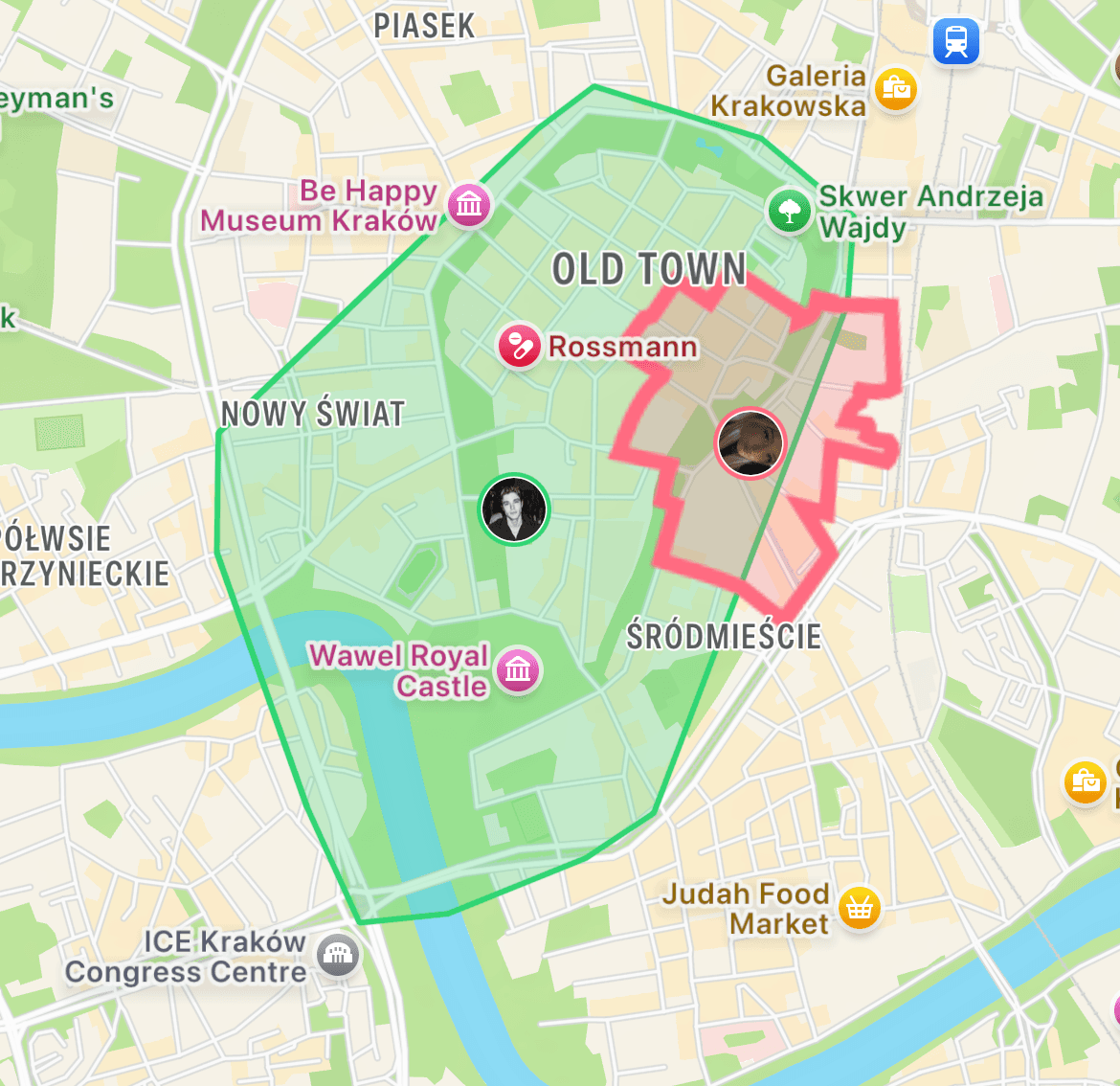
Add Motera to turn those routes into territory.
Motera reads from Apple Health, so any Fitbit run that syncs there (via the Fitbit iOS app) shows up in Motera. Every run becomes captured territory on your city map. Streaks, leaderboards, Fog of War. Free on iOS.
Download MoteraWhen Fitbit + MapMyRun Is the Right Combo
Frequently Asked Questions
Does Fitbit work with MapMyRun?
Yes. You can connect your Fitbit account to MapMyRun so that runs recorded on Fitbit appear in MapMyRun with the route, pace, and distance. Sync is automatic once linked.
How do I connect Fitbit to MapMyRun?
In the MapMyRun app, go to Settings > Apps & Devices > Fitbit. Log in with your Fitbit credentials and grant access. New runs on Fitbit will sync to MapMyRun within a few minutes of completion.
Can Fitbit track runs with GPS?
Fitbit Charge 6, Sense 2, Versa 4, Inspire 3, and newer models have built-in GPS. Older Fitbits use connected GPS (borrow your phone). All GPS runs on Fitbit can sync to MapMyRun.
Does MapMyRun work with Google Fit?
Yes. MapMyRun syncs with Google Fit too. If you have Fitbit (owned by Google), you can route data through Google Fit as well for redundancy.
Is Fitbit still a good running watch?
Fitbit Charge 6 is fine for casual runners. For serious runners, Garmin and Apple Watch offer more advanced training metrics. Fitbit is best for general fitness with running as part of the mix.
Do I need a MapMyRun subscription?
No. The free tier includes run tracking, route history, and device sync. MVP subscription ($5.99/month) adds training plans, advanced stats, and removes ads.
What happens to my runs if I switch from Fitbit to Apple Watch?
Your Fitbit historical data stays in the Fitbit app. Export it with a tool like RunGap to move it to Apple Health, Strava, or MapMyRun.
Can MapMyRun show my heart rate from Fitbit?
Yes. Once connected, MapMyRun displays Fitbit heart rate data alongside pace and map.
Why is my Fitbit run not showing in MapMyRun?
Sync delay (wait 5-10 minutes), Fitbit GPS did not lock (run did not have route data), or permissions. In MapMyRun, disconnect and reconnect Fitbit in Apps & Devices.
Is MapMyRun being discontinued?
No. MapMyRun is still active under the MapMyFitness / Under Armour umbrella. Development has slowed compared to Strava or Runna, but it remains functional and supported.